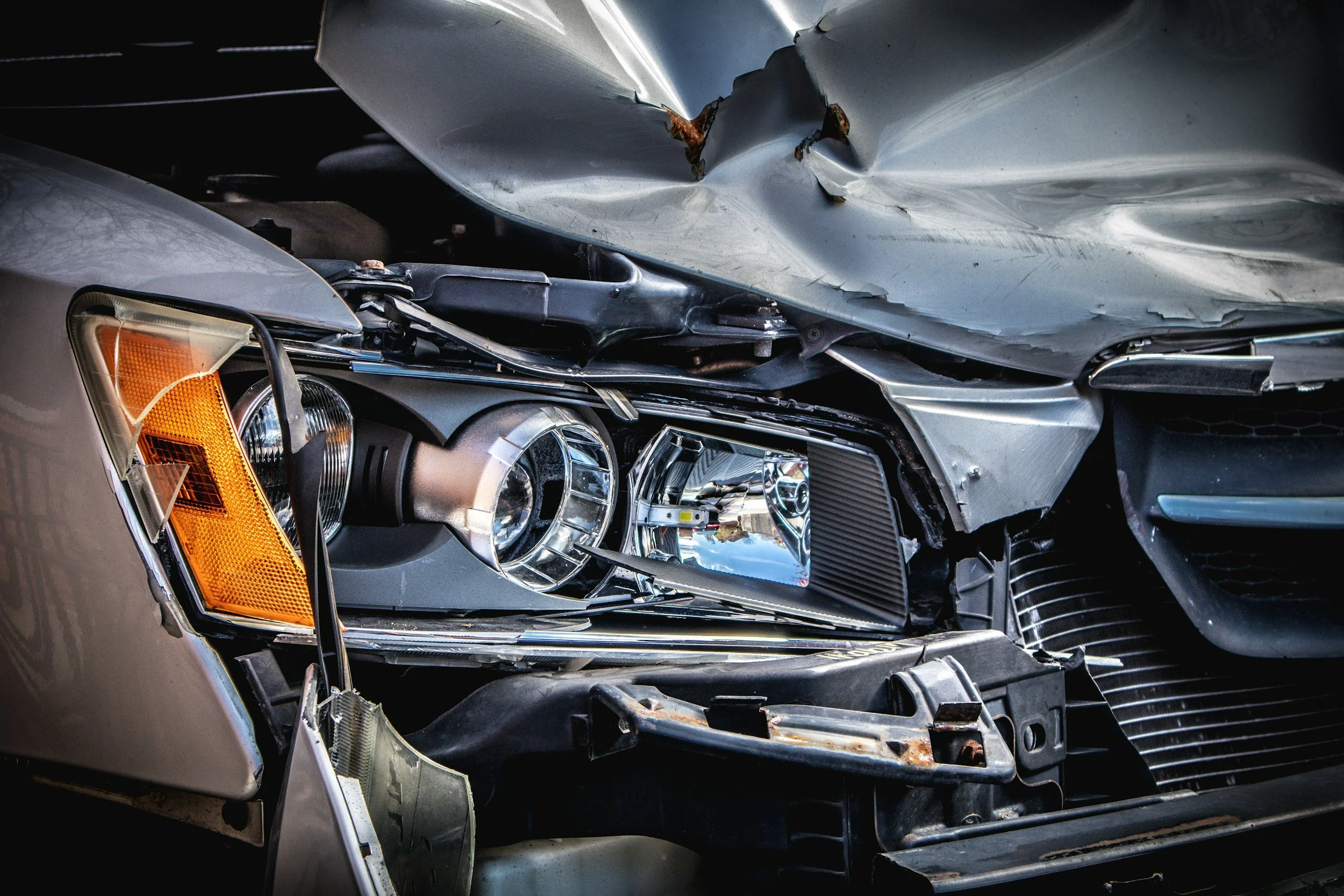
Did your car fail to brake before a crash?
When vehicle technology fails, who is responsible?
Select the scenario that matches your experience
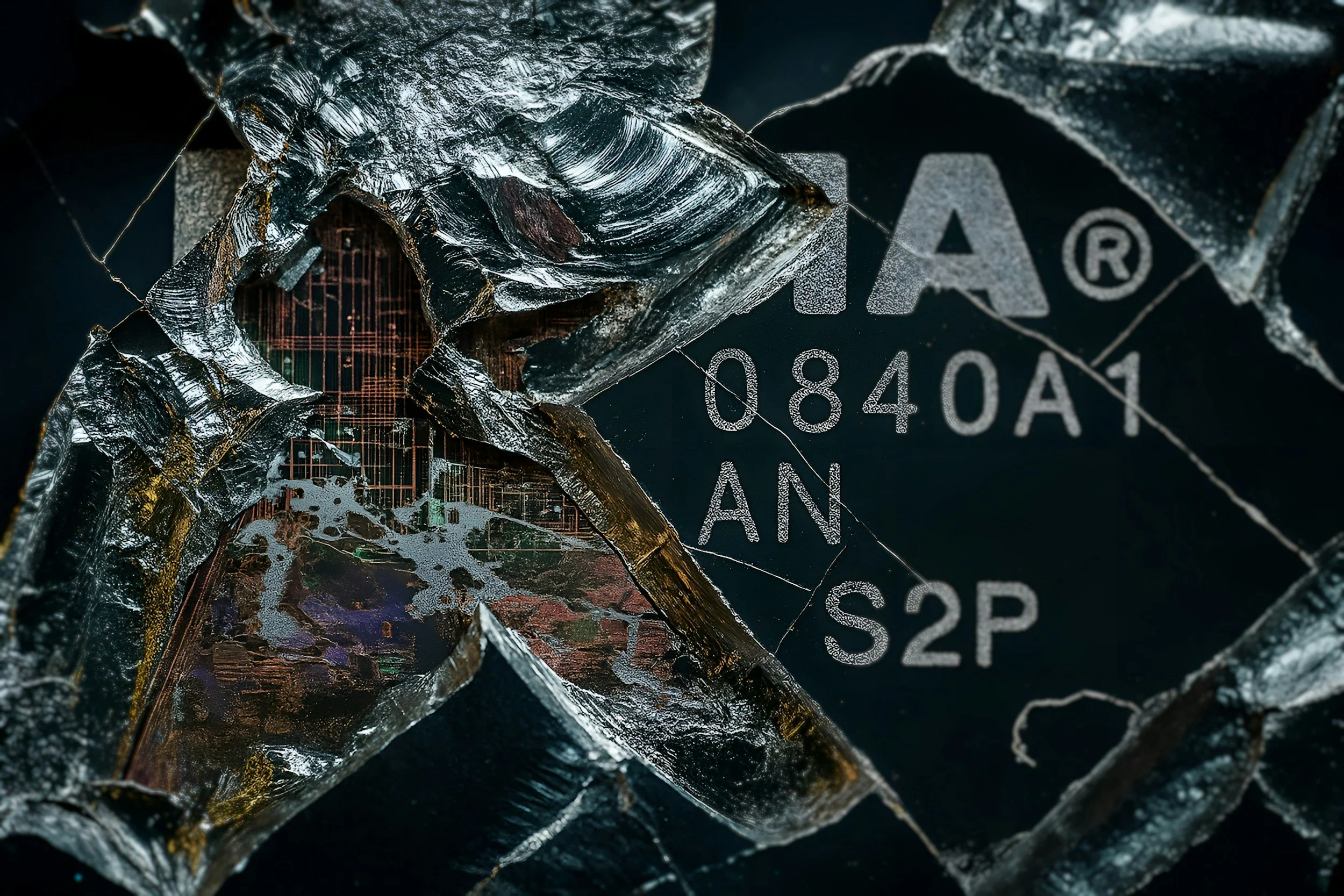
Cars are now computer-driven systems
What is Tech Failure?
-
Most drivers think of vehicle failure as a "broken part." With ADAS (Advanced Driver Assistance Systems), the failure is often "broken thinking."
-
To determine who is responsible, we look at the interaction between the Human and the Machine:
1. The Human (Operational Responsibility)
The Driver’s Job: Remaining alert and ready to intervene (as defined by "Level 2" automation standards).
The Defense: If the system failed to provide a "Takeover Request" or a warning chime, the human cannot be 100% at fault.
2. The Machine (Design Responsibility)
The Manufacturer’s Job: Ensuring that if a feature is marketed as "Automatic Emergency Braking," it actually brakes in its defined environment.
The Failure: If the sensors "saw" the object but the software suppressed the braking event to avoid a "false positive," the manufacturer may be liable for a Design Defect.
-
"If you were using a safety feature as it was intended, and it failed to protect you, the accident isn't a 'driving mistake'—it's a Product Failure."
Why This Matters for Your Case
Insurance companies will almost always blame the driver by default. They look at your feet and hands. We look at the code and the sensors. If the technology was "engaged" and active, the manufacturer shares the responsibility for the outcome. We help you bridge that gap by analyzing the vehicle's internal logs to prove the system deviated from its intended safety function.
The "Invisible" Obstacle
You are approaching a stopped vehicle or a clear barrier. You expect your Automatic Emergency Braking (AEB) to engage or at least provide an audible warning. Instead, the car maintains its speed, leading to a high-velocity collision without any system intervention.
The Tech: The sensors may have "seen" the object, but the software's logic suppressed the braking command to prioritize "smooth driving" or because it incorrectly classified the vehicle ahead as "non-threatening" (e.g., mistaking a truck for an overhead bridge).
The Failure: This is a breach of the Operational Design Domain (ODD). If the environmental conditions were within the system's specs, the failure to alert or brake is a critical software deviation.
The "Ghost" Brake
You are cruising at highway speeds with adaptive cruise control or autopilot engaged. Suddenly, the car slams on the brakes with maximum force despite there being no obstacles, vehicles, or animals in your path.
The Tech: The vehicle’s Radar or Cameras misinterpret environmental artifacts—such as the shadow of an overpass, a reflective overhead sign, or a manhole cover—as a solid, stationary object.
The Failure: The system's "False Positive" filtering failed. A properly calibrated system is engineered to distinguish between a shadow and a physical wall. If it can't, the software is making a dangerous, unprompted decision.
The "Curb Launch"
While driving on a road with clear markings, the steering wheel suddenly jerks or "tugs" firmly to one side, pulling the vehicle toward a concrete barrier, a ditch, or oncoming traffic.
The Tech: The Lane Keep Assist (LKA) system misreads road scars, old construction lines, or tar snakes as the actual lane boundary. It "corrects" a path that was already safe.
The Failure: The system over-prioritized sensor data that was clearly conflicting with the GPS or the driver's manual input. This represents a failure in "Hand-off" logic between the human and the machine.

Common Scenarios
Common Scenarios
-
You are cruising at highway speeds with adaptive cruise control or autopilot engaged. Suddenly, the car slams on the brakes with maximum force despite there being no obstacles, vehicles, or animals in your path.
The Tech: The vehicle’s Radar or Cameras misinterpret environmental artifacts—such as the shadow of an overpass, a reflective overhead sign, or a manhole cover—as a solid, stationary object.
The Failure: The system's "False Positive" filtering failed. A properly calibrated system is engineered to distinguish between a shadow and a physical wall. If it can't, the software is making a dangerous, unprompted decision.
-
You are approaching a stopped vehicle or a clear barrier. You expect your Automatic Emergency Braking (AEB) to engage or at least provide an audible warning. Instead, the car maintains its speed, leading to a high-velocity collision without any system intervention.
The Tech: The sensors may have "seen" the object, but the software's logic suppressed the braking command to prioritize "smooth driving" or because it incorrectly classified the vehicle ahead as "non-threatening" (e.g., mistaking a truck for an overhead bridge).
The Failure: This is a breach of the Operational Design Domain (ODD). If the environmental conditions were within the system's specs, the failure to alert or brake is a critical software deviation.
-
While driving on a road with clear markings, the steering wheel suddenly jerks or "tugs" firmly to one side, pulling the vehicle toward a concrete barrier, a ditch, or oncoming traffic.
The Tech: The Lane Keep Assist (LKA) system misreads road scars, old construction lines, or tar snakes as the actual lane boundary. It "corrects" a path that was already safe.
The Failure: The system over-prioritized sensor data that was clearly conflicting with the GPS or the driver's manual input. This represents a failure in "Hand-off" logic between the human and the machine.
-
The vehicle is in a semi-autonomous mode. In a split second before a complex situation (like a merging lane or sharp curve), the system emits a "Takeover" chime and immediately shuts off, leaving the driver with no time to react to an impending crash.
The Tech: The system reached its computational limit and "gave up." Instead of safely slowing the car or maintaining its path while the human took over, it defaulted to an instant shut-off.
The Failure: Regulatory standards require a "Graceful Degradation"—meaning the car must give the human enough time to safely resume control. A "latency gap" of less than a few seconds is often considered a design defect.
-
On a bright, sunny day, your vehicle fails to detect a pedestrian, a cyclist, or a turning vehicle directly in front of you, leading to an impact where the car never attempted to swerve or stop.
The Tech: Direct sunlight "blinded" the optical cameras (saturation), and because the car relied too heavily on vision rather than redundant Radar or LIDAR, it effectively drove "blind."
The Failure: Relying on a single source of data (Vision-Only) in predictable weather conditions is a known safety risk. A robust system must have sensor redundancy to handle common environmental glare.
The "Hand-off" Gap
The vehicle is in a semi-autonomous mode. In a split second before a complex situation (like a merging lane or sharp curve), the system emits a "Takeover" chime and immediately shuts off, leaving the driver with no time to react to an impending crash.
The Tech: The system reached its computational limit and "gave up." Instead of safely slowing the car or maintaining its path while the human took over, it defaulted to an instant shut-off.
The Failure: Regulatory standards require a "Graceful Degradation"—meaning the car must give the human enough time to safely resume control. A "latency gap" of less than a few seconds is often considered a design defect.
The "Sun-Blind" Error
On a bright, sunny day, your vehicle fails to detect a pedestrian, a cyclist, or a turning vehicle directly in front of you, leading to an impact where the car never attempted to swerve or stop.
The Tech: Direct sunlight "blinded" the optical cameras (saturation), and because the car relied too heavily on vision rather than redundant Radar or LIDAR, it effectively drove "blind."
The Failure: Relying on a single source of data (Vision-Only) in predictable weather conditions is a known safety risk. A robust system must have sensor redundancy to handle common environmental glare.
What to do
Don’t Let the Manufacturer Control the Narrative
If you wait until the car is at the dealership, the data is under their control. You need an independent technical review to ensure the truth is preserved before the logs are modified or deleted.
Do Not Reset the System
After a glitch or a "system unavailable" message, it is tempting to perform a "Hard Reboot" or "Factory Reset" to clear the screen. Do not do this.
The Risk: Resetting the infotainment or diagnostic system can wipe the "Active Logs" that show exactly what the sensors were "seeing" seconds before the impact.
The Rule: Leave the software in its post-crash state until a forensic download is performed.
Document the Dashboard (Immediate Evidence)
Before the vehicle is powered down or towed, take clear photos and video of the instrument cluster and the center touchscreen.
What to Look For: Did a "System Unavailable," "Sensor Blocked," or "Autopilot Degraded" light appear?
Why it Matters: These visual warnings are the first proof that the car's computer knew something was wrong but failed to protect you.
The "Repair Hold" Strategy
Standard body shops are trained to fix metal and paint; they are not trained to preserve forensic data.
The Risk: Authorized repair software often "flashes" the vehicle's computer to the latest update during service. This "update" can permanently overwrite the "Pre-Crash Data" stored in the modules.
The Rule:Stop. Do not authorize repairs or a "System Diagnostic" until you have confirmed that a data download has been completed by a qualified specialist.
Secure the "Visual Record"
If your vehicle has built-in cameras (like Tesla’s Sentry Mode or integrated dashcams), ensure the storage media (USB or SD card) is removed and placed in a safe location immediately.